
what is an smm panel
What Is an SMM Panel? A Real Beginner's Guide (2026)
2026-03-01 · Updated 2026-08-11 · SSMM Panel Team · 9 min · 1865 words
A practical 2026 explanation of SMM panels for creators and small shops — how orders work, what to order first, and how to avoid beginner mistakes.

If you have typed what is an SMM panel into search, you are probably comparing agency quotes with DIY growth tools and wondering which path fits a small budget. An SMM panel (social media marketing panel) is a web dashboard where you buy services such as followers, likes, views, comments, and subscribers for public social profiles. You fund a balance, pick a service, paste a public URL, and the panel routes the order to suppliers who fulfill it over time.
That definition is enough for a headline. The useful part is operational: how panels differ from agencies, what “refill” actually means, when drip-feed helps, and how to place a first order without handing over passwords. This guide is written for creators, boutique shops, and resellers who want clear steps — not hype.
At SSMM Panel (ssmmpanel.com) the flow is designed for first-timers: create an account, explore services, try free services, then deposit when you are ready. You only ever submit public links. Never share login credentials with any panel.

What Is an SMM Panel in Plain English?
Think of a panel as a wholesale counter for social proof inventory. Agencies package strategy, creative, and reporting. Panels package fulfillment. You choose quantity and speed; the panel tracks status until the order completes, partially completes, or fails with a refund rule.
Most panels organize inventory by platform — Instagram, TikTok, YouTube, Telegram, Facebook, and more — then by service type. Each row lists a rate (often per 1,000 units), minimum and maximum quantity, average start time, and notes about refill or drip-feed. Reading those notes matters more than chasing the lowest number on the page.
For a broader industry frame, skim Wikipedia’s overview of social media marketing. Panels sit inside that landscape as a fulfillment layer, not a replacement for content strategy.
Who Actually Uses SMM Panels in 2026?
Creators use panels when a new account looks empty and visitors bounce before reading a bio. Modest social proof can keep attention long enough for the content to do the real work. Shop owners use likes and views around product drops so posts do not sit at zero during the first hour. Resellers connect via API, mark up services, and sell through their own storefronts.
Agencies sometimes use panels for overflow when a campaign needs volume faster than organic seeding allows. Students and side projects use free trials to learn link formats before spending. The common thread is control: you decide quantity, timing, and which URL receives the order.
If you are still deciding whether free inventory is enough, read our comparison of free SMM services vs paid. Many operators start there for a week, then deposit a small amount for a controlled test.
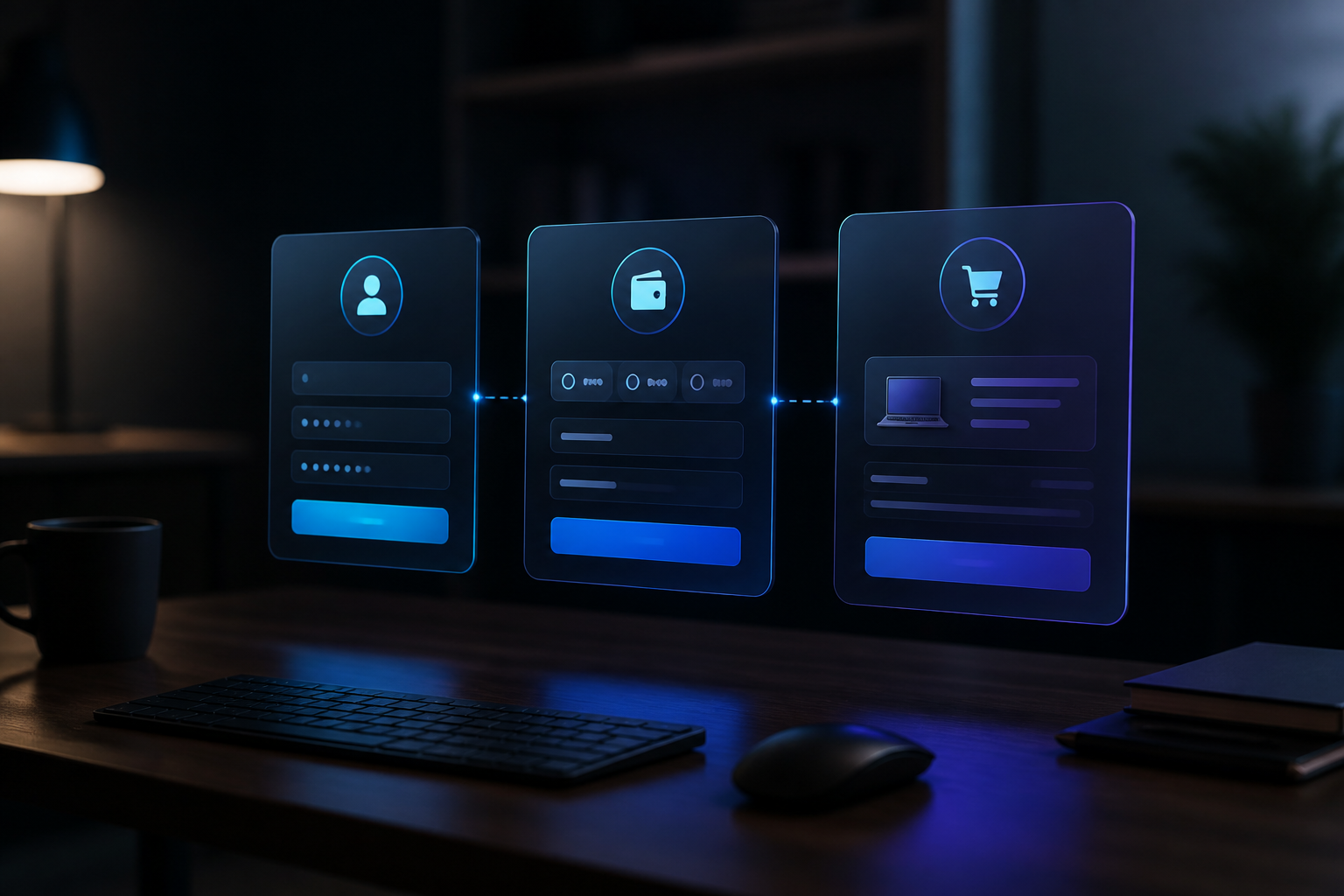
How a Typical Order Works Step by Step
Registration is ordinary: email, password for the panel account, verification. After login you see a balance, a services list, and an order form. Adding funds is covered in depth in our PayPal SMM panel deposit guide and on the payments pages — including Cryptomus, crypto, cards, and other methods listed on site.
- Choose a category and service that matches your goal (followers for profile proof, likes for a post, views for a Reel).
- Paste only a public URL or username format the service description accepts.
- Enter a quantity inside the min/max range.
- Confirm the order and watch status: Pending → In progress → Completed (or Partial / Canceled).
- Screenshot the before/after metrics for your own notes.
SSMM Panel also exposes a PerfectPanel-compatible API for operators who want automation. See API docs once you have a stable workflow. Beginners should place two or three manual orders first so they understand statuses before scripting anything.
Service Types You Will See on Most Panels
Followers increase the count on a profile. Likes apply to a specific post. Views apply to Reels, videos, or stories depending on the line item. Comments may be custom or random. Subscribers and members appear for YouTube, Telegram, and Discord-style inventory. Quality tiers vary: some lines emphasize speed, others emphasize slower pacing or refill windows.
Instagram remains the highest-volume category for many panels. If that is your focus, continue with our Instagram SMM panel guide after this overview. The same panel account can serve multiple platforms; you do not need a separate login per network.
| Goal | Typical service | Beginner tip |
|---|---|---|
| Make a profile look active | Followers (slow drip) | Keep quantities modest on brand-new accounts |
| Support a fresh post | Likes + comments | Order soon after publish, not weeks later |
| Help a Reel get started | Reels views | Pair with a strong hook and caption keywords |
| Test a new panel | Free trial pack | Use free services before a large deposit |
| Resell at scale | API orders | Read API docs and keep error logs |
Drip-Feed, Refill, and Partial Orders Explained
Drip-feed spreads delivery across hours or days. On a quiet account, a slow drip usually looks more natural than a same-hour spike. Refill means the panel may restore drops within a stated window if the service description promises it — it is not a lifetime warranty on every line. Partial orders stop early and credit unused balance according to panel rules.
Operators who ignore these terms get frustrated. Always read the service row before checkout. If a description is vague, open a ticket or message support with the service ID. Clear communication beats guessing. Our FAQ covers common status questions; contact if something looks stuck longer than the average time listed.
When you read a service row, look past the rate: check refill notes, min/max, and start-time expectations. For the click-by-click path on SSMM Panel, see how to place your first order.
Safety Rules Beginners Should Treat as Non-Negotiable
Public links only. If a site asks for your Instagram, TikTok, or Google password “to verify,” leave. Enable two-factor authentication on your real social accounts. Prefer gradual delivery on new profiles. Keep publishing content while orders run — empty profiles with sudden spikes look odd to humans even when platforms tolerate them.
Separate your panel password from social logins. Store order IDs and screenshots. Prefer official apps and avoid random “booster” browser extensions that request session access. SSMM Panel orders use public URLs only.
Also respect platform policies for your niche. Sensitive topics (health claims, finance, kids content) deserve smaller experiments and stronger organic grounding. Panels amplify presence; they do not rewrite compliance rules.
Panel vs Agency vs Doing Everything Yourself
Agencies win when you need creative direction, brand voice, and monthly reporting. DIY organic wins when you have time and a clear content system. Panels win when you need controllable fulfillment for social proof or engagement around launches. Many serious operators mix all three: organic calendar first, panel support for cold starts, agency help for big campaigns.
Budget math is straightforward. If an agency retainer exceeds your monthly revenue, a panel plus a disciplined posting schedule is often the rational first year. If you already have strong creative and only need volume around drops, a panel is usually enough. If you cannot explain your offer in one sentence, fix messaging before buying likes.
SSMM Panel is built for that middle path: transparent service lists, free trials, multiple payment options, and human support. Create an account at /signup when you want to move from reading to a first small order.
A Sensible First-Week Plan on SSMM Panel
Day one: register, verify email, browse categories, and claim a free pack from free services. Confirm the link format works and delivery starts. Day two and three: publish or refresh the content that will receive paid orders. Day four: deposit a small amount via a method you trust — PayPal users can follow the dedicated Cryptomus payments page.
Day five: place one paid order sized for learning, not for bragging rights. Day six and seven: measure. Did delivery match the description? Did engagement feel proportional? Write notes. Only then increase quantity. Operators who skip the learning order tend to overspend on the wrong service type.
Resellers should wait until manual orders feel boring before enabling API keys. Automation amplifies mistakes as efficiently as it amplifies volume. Keep a spreadsheet of service IDs that performed well; retire lines that stall.
Common Myths That Waste Beginner Budgets
Myth one: “More followers always mean more sales.” Traffic without a clear offer does not convert. Myth two: “The lowest rate is always the best deal.” Incomplete orders and silent support erase savings. Myth three: “Panels replace content.” They do not. Myth four: “You must buy huge packs on day one.” You must not. Myth five: “Sharing a password makes delivery better.” It does not — public links are enough.
Replace myths with a simple loop: content → small proof → measurement → iterate. That loop is how panels stay useful instead of becoming a superstition. When you need Instagram-specific tactics, open the Instagram guide linked above. When deposit questions appear, use the PayPal guide and FAQ.
Two more myths deserve a quick note. Myth six: “If a panel is popular in a Telegram screenshot dump, it must fit your workflow.” Popularity without your own test order is still hearsay. Myth seven: “Canceled orders never refund.” Many cancels auto-refund unused balance — check the order record and ticket before placing another order. Calm operators read statuses; anxious operators double-spend.
Write your own “stop rules.” Example: if two learning orders fail completion without a clear provider note, pause and message support before a third. Example: if you cannot explain why you chose a service ID in one sentence, do not order it yet. Rules like these keep curiosity from turning into chaos.
Where SSMM Panel Fits for New Operators
SSMM Panel (ssmmpanel.com) focuses on clear catalog structure, free trial access, and support channels that answer with service IDs — not vague promises. You can explore services, read payment instructions, and place orders from one account. Child-panel and reseller workflows exist for operators who outgrow single-user ordering; start simple first.
You do not need to copy someone else’s quantities. Use public links, paced delivery, and content that deserves the attention — then treat the panel as a controlled instrument.
A good mental model is “fulfillment with receipts.” You should always know which service ID you used, what you paid, when it started, and what changed on the public page. If you cannot reconstruct that story a month later, your process is too loose for client work or serious launches. SSMM Panel’s order history helps; your personal notes finish the job.
When you eventually resell, resist the urge to hide the fact that you use upstream panels. Your customers buy your support, packaging, and reliability — not a fairy tale about secret organic elves. Honest operators sleep better and handle outages without inventing fiction.
Ready to practice? Create your SSMM Panel account, skim services, try free services, and keep this article bookmarked for the vocabulary you will see in the dashboard. When a status confuses you, contact support with the order ID instead of placing a second order blindly. For payment rails, open /payments and the Cryptomus page when you are ready to fund a small learning balance.
Frequently asked questions
What is an SMM panel used for?
An SMM panel is used to order social media services — such as followers, likes, views, and subscribers — through a self-serve dashboard. You add funds, choose a service, paste a public link, and track delivery status.
Do I need to share my social media password with an SMM panel?
No. Legitimate panels only need a public URL or username. Never share passwords, backup codes, or 2FA codes with any growth site.
Is an SMM panel the same as a marketing agency?
No. Agencies usually sell strategy and creative. Panels sell fulfillment inventory. Many operators use organic content plus a panel, and hire agencies only for larger brand work.
How should a beginner place a first order?
Register, try a free service to learn link formats, publish or refresh content, deposit a small amount, and place one modest paid order. Measure results before scaling quantity.
What do refill and drip-feed mean on a panel?
Drip-feed spreads delivery over time. Refill means the panel may restore drops within a stated window if the service description includes that promise. Always read the service notes before ordering.
Where can I start on SSMM Panel?
Sign up at /signup, browse /services, test /free-services, and review /payments when you are ready to add funds. Use /contact or /faq if an order status is unclear.
From Our Blog

Ready to place a controlled first order?
Create a free account, try a free pack, then top up when a service line looks right.