
paypal smm panel
PayPal SMM Panel — How to Add Funds Safely
2026-03-15 · Updated 2026-08-11 · SSMM Panel Team · 8 min · 1656 words
Step-by-step PayPal top-ups for SMM panels — exact amounts, username notes, screenshots, verification, and how SSMM Panel handles deposits safely.

Looking for a PayPal SMM panel usually means two things at once: you want to buy social services, and you want a payment rail you already recognize. PayPal familiarity helps — but panel deposits still fail when notes are missing, amounts mismatch, or screenshots never reach support. This guide walks through a clean top-up on SSMM Panel, what to prepare before you send money, and how to troubleshoot delays without panic-ordering twice.
SSMM Panel accepts PayPal alongside other methods listed on payments and the dedicated PayPal page. New to panels generally? Read what is an SMM panel first. Ready to practice after funding? Browse services or start with free services while your deposit is pending.
Why Operators Still Prefer a PayPal SMM Panel Deposit
PayPal is familiar to freelancers, shops, and creators who already invoice clients there. Record-keeping is clearer than informal transfers. Prefer resolving questions through support tickets first. For many people, PayPal is simply the card-adjacent wallet they already use for a small first top-up.
That said, PayPal is not the only rational choice. Crypto, cards, Skrill, Revolut, Payoneer, Paysafecard, bank transfer, Binance Pay, and Cryptomus-style options may appear depending on your region and the panel’s current rails. Always verify the live list on /payments rather than assuming a blog screenshot is eternal.
For a neutral primer on digital wallets in commerce, PayPal’s own help documentation is a useful companion when you need account-side troubleshooting — start from PayPal’s help articles if a login or sending limit issue is on their side, not the panel’s.
Before You Send: Account and Amount Prep
Create your SSMM Panel account at /signup and verify email before paying anyone. Note your exact panel username. Decide a small first deposit — enough for one learning order, not an entire quarter’s budget. Read the PayPal instructions on /payments/cryptomus for the current receiving details and required note format.
Match currency instructions precisely. If the page says USD, do not assume an automatic conversion note will be obvious to the reviewer. Send the exact amount you want credited unless the instructions describe fees differently. Ambiguous amounts slow manual review.
After the deposit credits, place a small first order using the first-order walkthrough so you confirm the full loop works for your account.
Prepare the screenshot tools before you pay. Know how to export a PDF receipt or capture the transaction ID clearly. Trying to reconstruct proof hours later from a messy email inbox is how deposits get stuck in limbo. A PayPal SMM panel top-up is mostly paperwork discipline.
If your PayPal account is new or recently limited, resolve those wallet issues before you try to fund a panel. Limits, confirmed addresses, and sending ability are PayPal-side prerequisites. Panels cannot override a wallet that cannot send.
Write the amount and username on paper or in a notes app before you open PayPal. People mistype under haste more often than they admit. Thirty seconds of prep prevents a mismatched deposit that needs a longer support thread.
Step-by-Step: Add Funds with PayPal on SSMM Panel
- Log into SSMM Panel and open Add funds / the PayPal method instructions.
- Confirm the recipient details and any minimum amount published on PayPal payments.
- Send the exact amount from your PayPal account using the method described (friends/family vs goods — follow the page, do not improvise).
- Put your panel username in the payment note/memo exactly as registered.
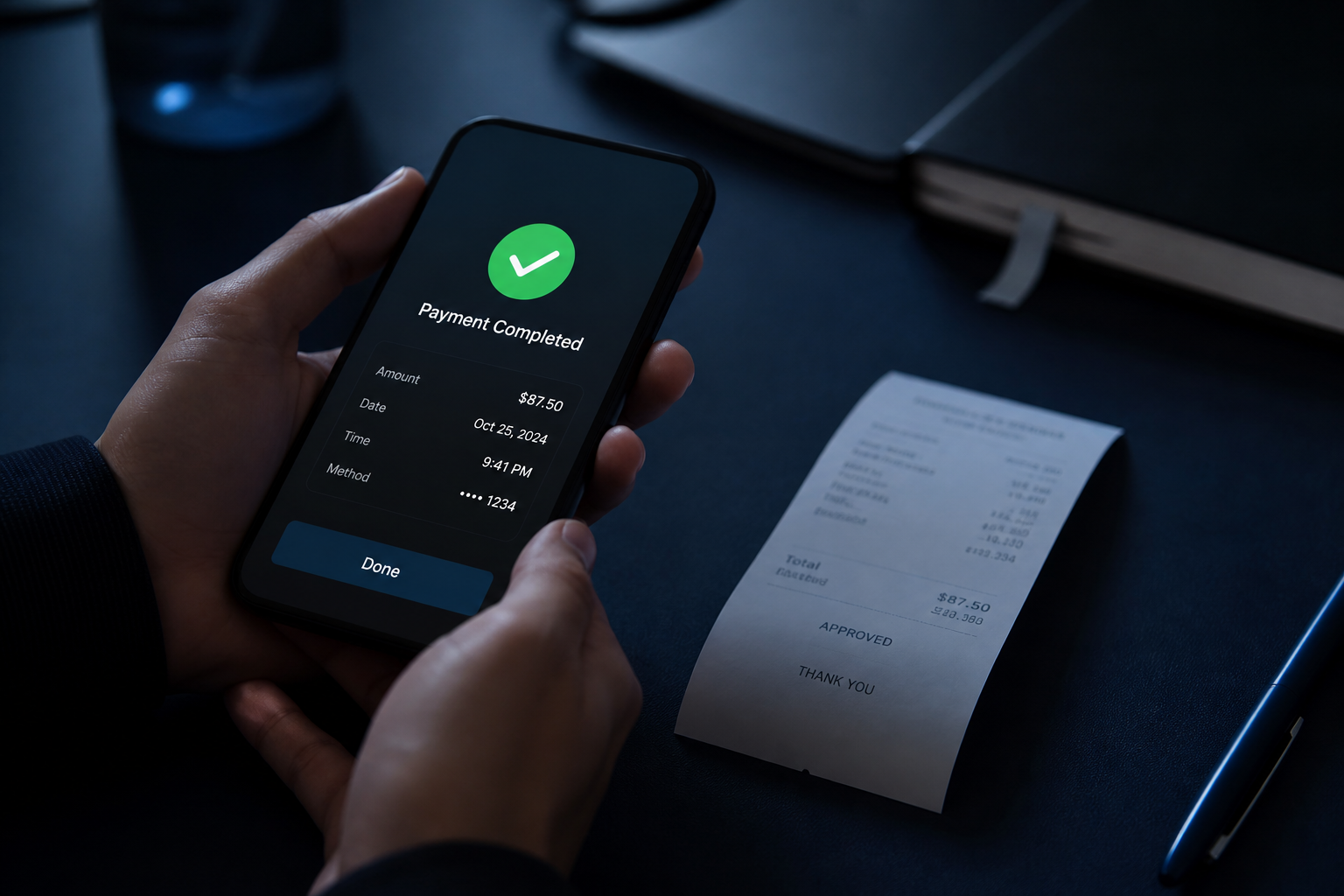
- Capture a clear screenshot or PDF receipt showing amount, date, transaction ID, and note.
- Submit proof through the ticket flow or the WhatsApp/Telegram path listed on contact.
- Wait for balance credit after verification — then place orders from services.
Do not paste social media passwords into tickets. Support needs payment proof and, later, public order URLs — nothing else.
Manual Verification vs Instant Rails
Some methods credit faster than others. Manual PayPal review exists to match deposits accurately. That means your job is clarity: correct username, readable screenshot, one thread per deposit. Sending five chats with the same image without transaction IDs slows everyone down.
Automated rails (when enabled for crypto processors or similar) still require you to follow on-screen amounts and addresses exactly. Copy-paste carefully. Test with small amounts first on any method you have never used with a given panel.
SSMM Panel’s roadmap may expand automation over time; treat the live payments pages as source of truth. Blogs explain habits; dashboards show current rails.
| Deposit checklist | Why it matters | Common mistake |
|---|---|---|
| Panel account exists | Funds need a username to credit | Paying before signup |
| Exact amount | Speeds matching | Rounding “approximately” |
| Username in note | Links payment to account | Leaving memo blank |
| Clear screenshot | Proves transaction ID | Cropped blurry photos |
| One support thread | Keeps history clean | Duplicate tickets everywhere |
| Small first deposit | Keeps exposure low on new workflows | Funding hundreds untested |
After Credit: Place Orders Without Burning the Balance
Once funds appear, resist the urge to empty the wallet on one untested service ID. Place a small Instagram or other platform order aligned with a live piece of content. Prefer public links. Track status. If you are Instagram-focused, use the Instagram SMM panel guide to pick followers vs likes vs Reels views intentionally.
Keep a personal ledger: deposit date, amount, transaction ID, order IDs spent against it. Resellers especially need this when clients ask questions later. API users should not automate spending until manual orders feel predictable — see API docs.
If free trials are still available to you, it is valid to mix free QA with paid scale. Timing advice lives in free SMM services vs paid.
Troubleshooting Slow or Missing PayPal Credits
First, re-read the payments instructions you followed. Second, confirm the memo included the correct username. Third, check that the screenshot shows a completed transfer, not a pending authorization. Fourth, open one ticket via /contact with transaction ID and amount. Fifth, wait for the stated review window before assuming failure.
If PayPal itself held the payment, resolve the hold in your PayPal account before expecting panel credit. Limits on new PayPal accounts are a common real-world friction — that is wallet-side, not panel hostility.
Avoid sending a second “replacement” payment immediately unless support asks you to. Double sends create double reconciliation work and more delay.
Security Habits Around Panel Payments
Use a unique password for SSMM Panel. Enable 2FA on PayPal and on your social accounts. Never share PayPal login credentials with anyone claiming to “speed up” credit. Staff will not need your PayPal password — only proof of payment.
Type the SSMM Panel URL yourself or use bookmarks. Prefer the PayPal email shown on /payments/cryptomus. When unsure, ask through official contact channels before sending.
Also separate roles if you run a team: the person who can spend panel balance should not necessarily be the person with full PayPal admin access. Least privilege keeps mistakes contained.
PayPal vs Other Methods: Choosing per Situation
Choose PayPal when you want familiar receipts and are depositing moderate test amounts. Choose crypto when you already operate in crypto and want rails that match that workflow. Choose cards when the panel’s card flow is explicit and your issuer does not block the merchant category. Choose bank transfer for larger scheduled top-ups when instructions are formal and time allows.
There is no moral hierarchy — only fit. The expensive mistake is using a method you do not understand under launch pressure. Practice a $10–$20 style deposit long before Black Friday inventory panic.
After PayPal credits, keep your first paid order modest and track it in Orders before you scale quantity.
Reseller and Client-Billing Considerations
If you resell, decide whether client invoices include a payment-processing buffer. Manual review time should appear in your SLA language (“balances credited after verification”). Do not promise instant PayPal credit if the panel’s process is manual. Clear expectations keep everyone aligned.
Keep client funds logic ethical and legal in your jurisdiction. Many resellers maintain separate wallets and never mix personal shopping with client prepaid balances. Your accountant will thank you even if your future self is the only “accountant.”
API-driven shops should reconcile deposits daily. A missing credit is easier to catch in 24 hours than in 24 days.
A Calm First-Deposit Day Plan on SSMM Panel
Morning: sign up, read PayPal instructions, and skim FAQ. Midday: send a small PayPal deposit with perfect memo and screenshot. Afternoon: submit proof once, then work on content you will promote. Evening: when credit lands, place one learning order — not five. Next day: measure delivery and decide whether to ladder the balance upward.
That pacing turns PayPal from a stress event into a routine. Operators who ritualize deposits make fewer memo mistakes. A PayPal SMM panel relationship works when payments are documented, support can match transaction IDs, and you treat the first deposit as a systems test — not as a casino chip.
Create a one-page “deposit SOP” for yourself or your team: where instructions live, what the memo must contain, who submits screenshots, who places the first order after credit, and who updates the ledger. SOPs sound corporate; they also prevent Friday-night chaos when two people send two deposits with two different usernames.
If you are depositing on behalf of a client, confirm in writing who owns unused balance if the project ends. Ambiguity here creates awkward refund conversations later. Clear ownership is part of payment safety even when PayPal itself worked perfectly.
Start here: create your SSMM Panel account, open payments, follow PayPal, and keep contact ready with your transaction ID. After funding, explore services or stay on free services until you pick a lane. For Instagram-heavy first orders, keep the Instagram guide open so the balance funds a deliberate mix.
SSMM Panel is set up for that workflow: clear payment pages, human verification when required, and a catalog ready once balance appears. Send cleanly, document everything, spend deliberately — and you will stop associating PayPal top-ups with stress.
Frequently asked questions
Does SSMM Panel work as a PayPal SMM panel?
Yes. SSMM Panel supports PayPal deposits as documented on the payments and PayPal pages, alongside other methods when available. Always follow the live instructions for notes and proof.
How long does a PayPal deposit take to credit?
Manual verification can take a review window after you send proof. Clear screenshots and correct username notes speed matching. Check FAQ and contact support with your transaction ID if it exceeds the stated time.
What should I put in the PayPal payment note?
Put your exact SSMM Panel username as instructed on the PayPal payments page. Blank or wrong memos are the most common cause of delayed credits.
Can I add funds before creating an account?
You should create and verify your panel account first. Funds need a username to credit. Sign up, then follow the PayPal deposit steps.
Will support ever ask for my PayPal password?
No. Support needs payment proof and transaction details, never your PayPal password. Do not share wallet logins with anyone.
What if I sent the wrong amount?
Open a single contact thread with the transaction ID, the amount sent, and your panel username. Wait for instructions before sending another payment.
From Our Blog

Ready to place a controlled first order?
Create a free account, try a free pack, then top up when a service line looks right.