
طلب لوحة smm
كيف تضع أول طلب في لوحة SMM
2026-03-05 · حدّث في 2026-08-12 · SSMM Panel Team · 4 د · 211 كلمة
من التسجيل إلى أول طلب مكتمل — رابط عام فقط.

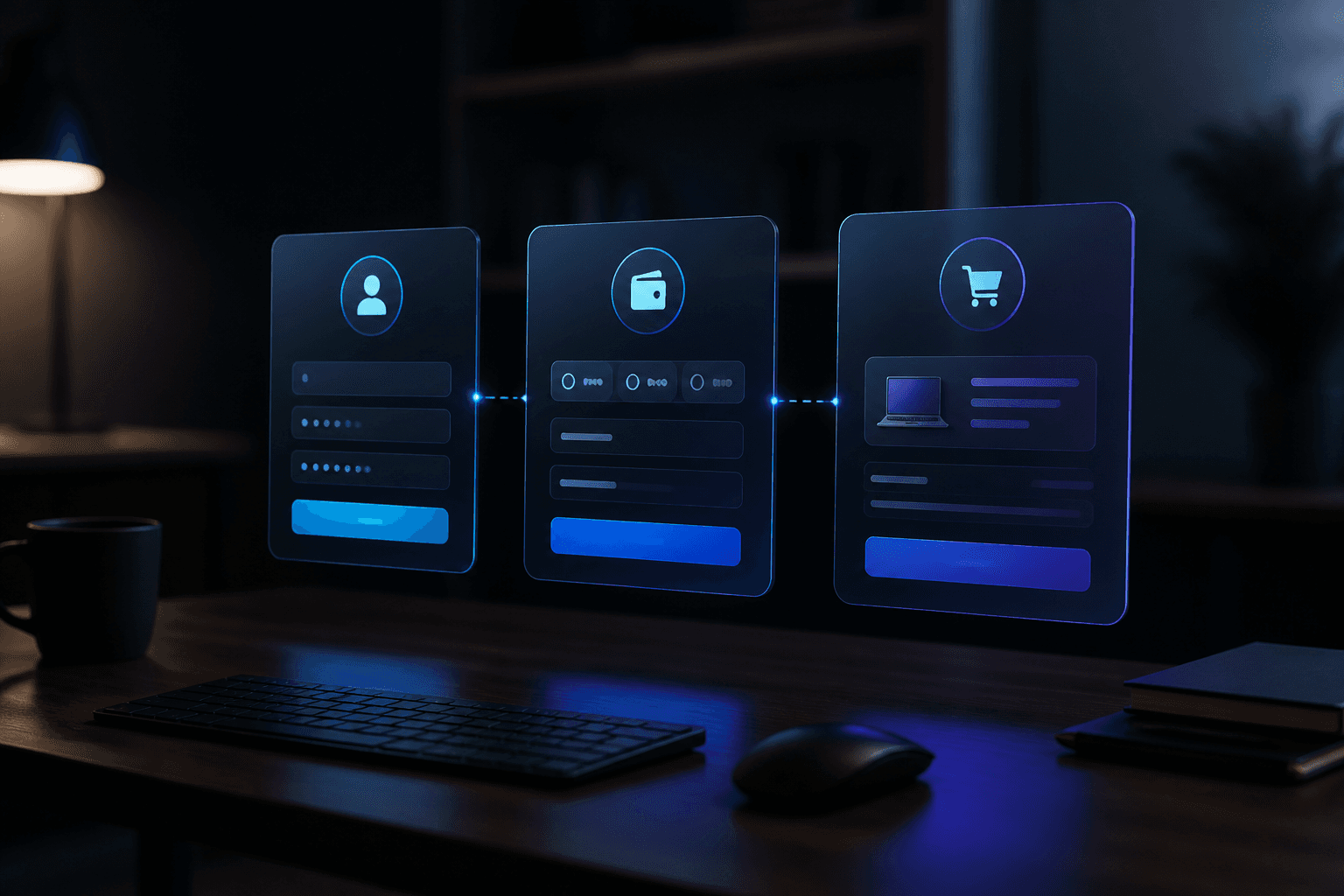
Ready for your first SMM panel order? On SSMM Panel: create an account, optionally try a free pack, add balance, pick a service, paste a public link, and track it in Orders.
Public URL only — we never ask for social passwords.

Step 1 — Create your account
Go to Sign up. After login you will see New Order, Services, Add Funds, and Orders.
Vocabulary: what is an SMM panel.
Step 2 — Optional free pack
Open free services, pick a small pack, paste a public link. Respect cooldown rules.
Step 3 — Add balance
Visit payments, follow instructions, include your username in the note. Start small. PayPal: PayPal guide.
Step 4 — Choose a service
Browse services, read rate/min/max, confirm in New Order. Instagram tips: Instagram guide.
| Field | What | Tip |
|---|---|---|
| Service | Platform + metric | Match your goal |
| Link | Public URL | Never a password |
| Quantity | Within min/max | Start small |

Step 5 — Track in Orders
Watch pending, processing, completed. If stuck, message support with username and order ID. Also: free vs paid.
Checklist before confirm
Logged in · public link ready · min/max OK · balance covers charge · content published.
Create your free account and place a calm first order.
أسئلة شائعة
Do I need a social password?
No. Public URL or username only.
Order without deposit?
Yes for free packs. Paid rows need balance.
Where do I track progress?
Orders in the dashboard.
Balance too low?
Top up on payments, then return to New Order.
First quantity?
Stay near the service minimum.
How to contact support?
WhatsApp, Telegram, or ticket with username and order ID.
من مدونتنا

جاهز لأول طلب مضبوط؟
أنشئ حسابًا مجانيًا، جرّب باقة مجانية، ثم اشحن عندما تناسبك خط الخدمة.